Free forever — no credit card

Prestarts on your phone. Free for your business.

Run compliance checks on your equipment, vehicles, and tools straight from your phone. Ten ready-made prestart templates, unlimited completions, photo capture. No training required.

Works on Android   Online and offline

Compliance doesn't have to be painful

Prestart checks keep your people safe and your business on the right side of regulations. But clipboards get lost, paper gets wet, and checks get skipped. SafeStaff fixes that.

No more paper

Every check recorded digitally. Searchable, timestamped, with photos. Retrievable years later when the audit comes.

Where work happens

Your team already has a phone. They don't need another clipboard, terminal, or fiddly app. Open, check, done.

Built for the field

Works offline. Captures GPS and photos. Syncs when you get back to signal. No WiFi, no problem.

Everything you need to get started

Ready-made prestart templates covering the gear your team actually uses. Add your own assets, invite your crew, capture what matters.

10 prestart templates, ready to go

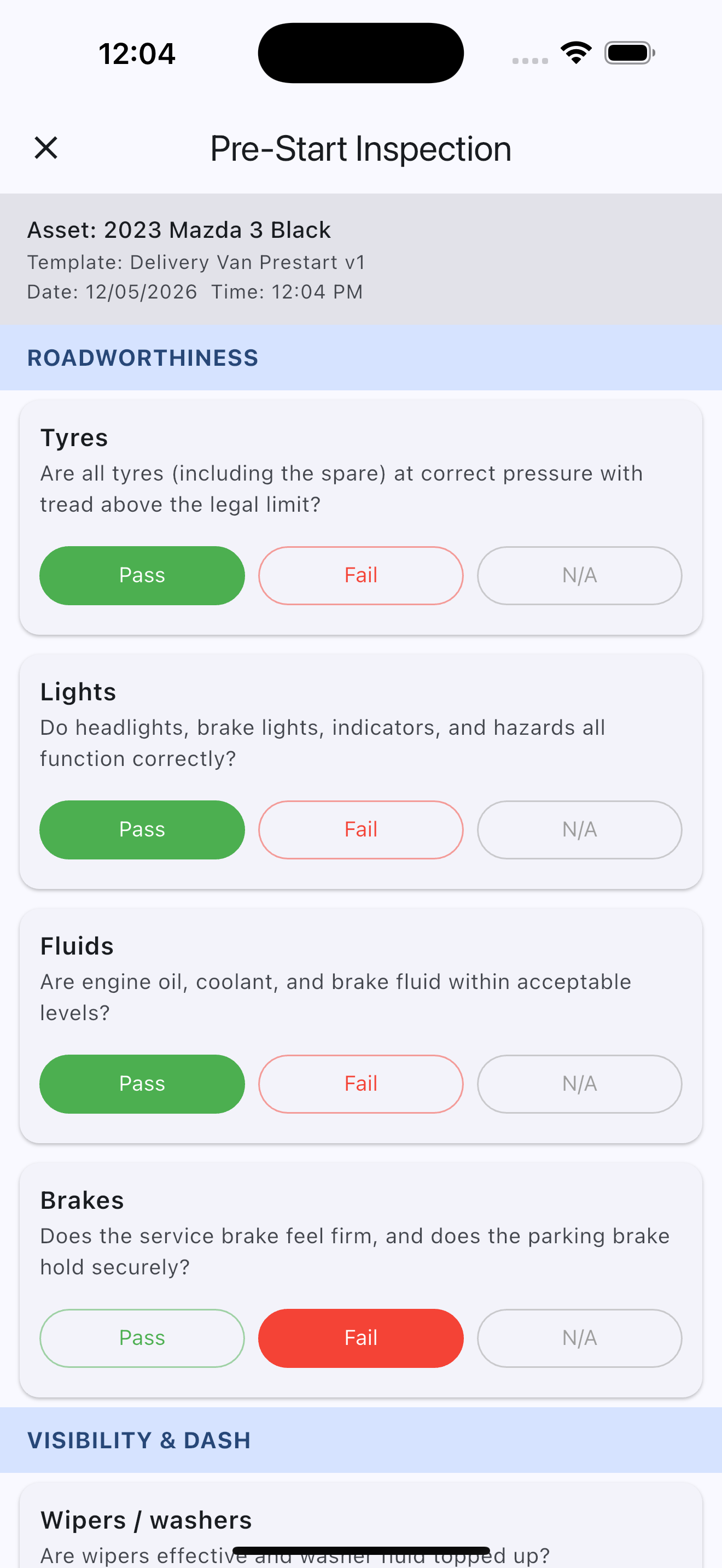
Forklifts, delivery vans, mobile plant, hand tools, generators, pumps, ambulances, printing machines, chainsaws, and a general workplace check. All pre-loaded in your account. Tap, check, submit.

  • Pass / Fail / N/A answers per item
  • Photos attached to any answer
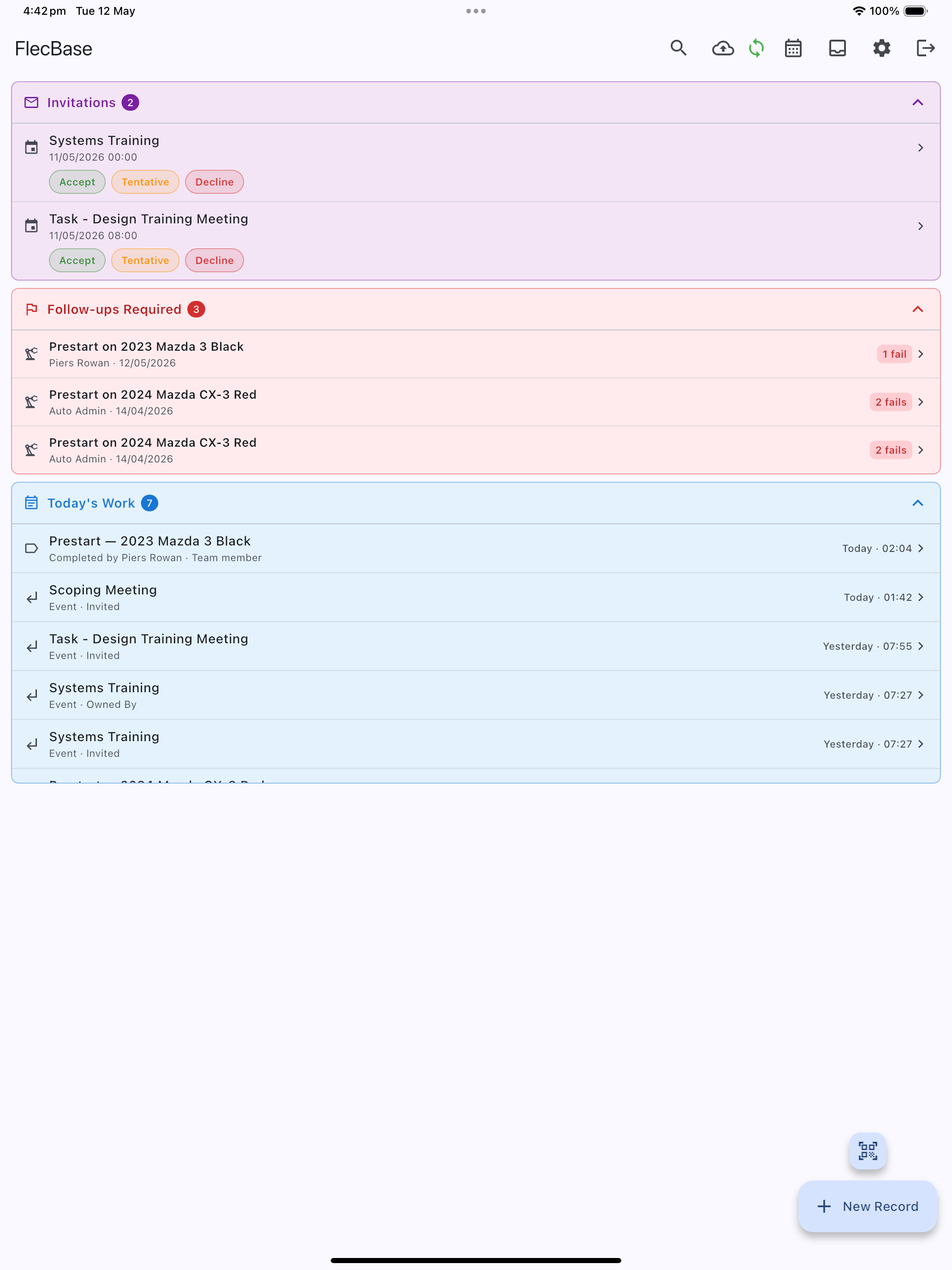
  • Follow-up flagging for issues that need action
  • Full history per asset, searchable

Your assets, your way

Add the vehicles, tools, and equipment your team uses. Attach the relevant prestart templates. Each asset gets its own compliance history.

  • Unlimited assets
  • Up to 5 photos per asset
  • QR code labels for scan-to-check
  • Asset retired? Keep the history.

Your team, connected

Invite up to 5 team members on the free tier. Everyone sees the same assets, submits prestarts from their own phone, and contributes to a shared compliance record.

  • 5 team members on free
  • Each submission signed by who did it
  • Photos and notes attached to a name
  • Upgrade for unlimited team

Up and running in under five minutes

No setup calls, no onboarding fees, no sales dance.

1

Sign up

Your details, your company name. Takes 30 seconds. No credit card required.

2

Install the app

Download from from here. Log in with the same email.

3

Run your first prestart

Pick an asset, pick a template, work through the checks. Done.

Simple pricing

Start free. Upgrade when you're ready for more. Move to the full FlecBase platform when compliance is just one thing on your plate.

Standard

For growing businesses

$TBC

per workspace / month

  • Everything in Free
  • Unlimited team members
  • Unlimited photos
  • Custom prestart templates
  • Inspections, incidents, orders
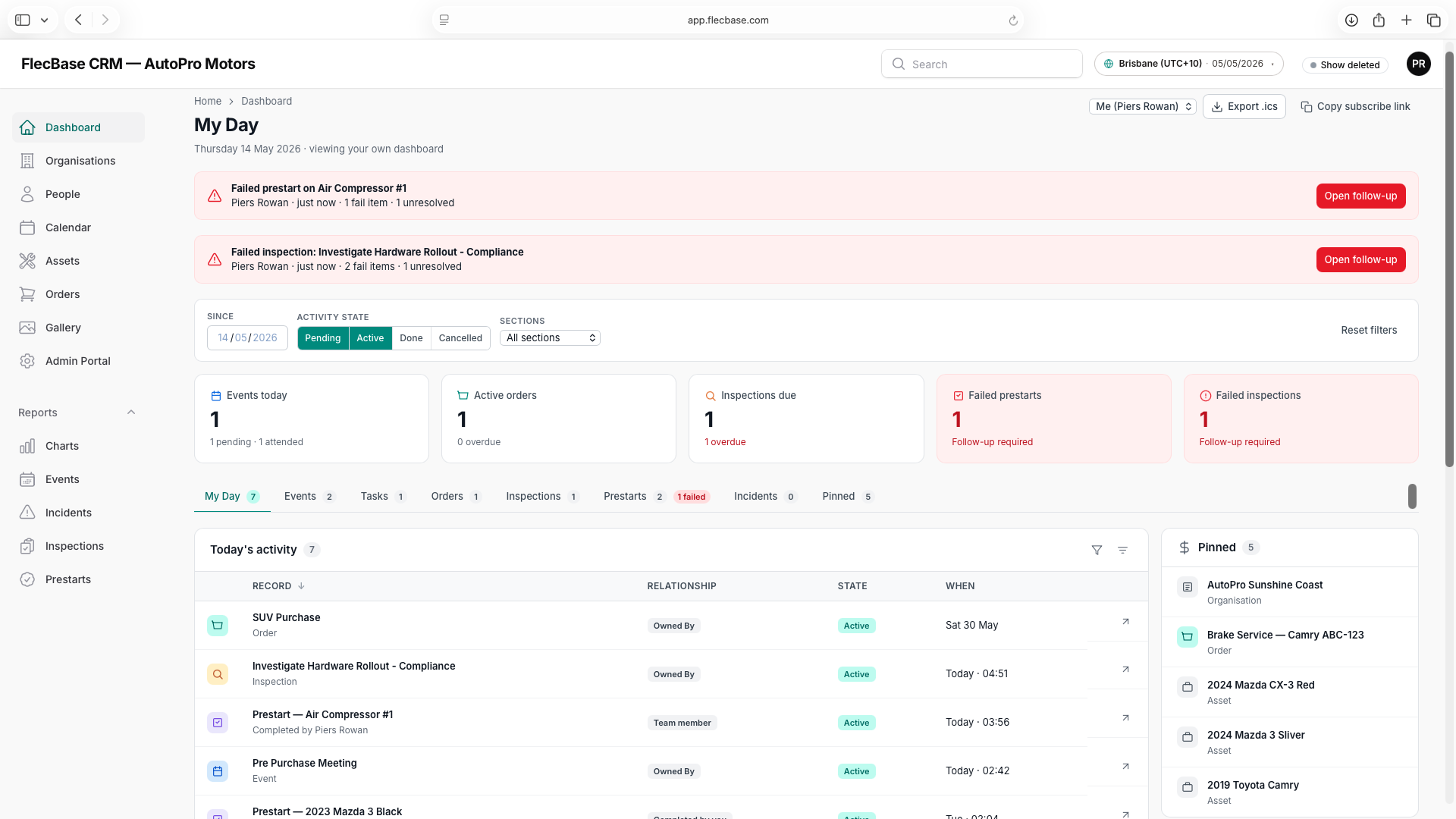
  • Full web dashboard
  • Email support
Start free, upgrade later

Free tier support is community and documentation only. Paid plans include email support.

Create your free account

30 seconds. No credit card.

At least 8 characters.

Created your account?

Download » Install » Login & Sync » Use

Download FlecBase ~ PreStart


APP Installation Instructions

View the full installation instructions here.

READ THIS WHILE YOU DOWNLOAD

Please find below some guidance on system performance and core concepts to help you get started with the app.

Performance and Syncing

To ensure the best experience, please keep the following in mind regarding offline data:

  • Initial Download: The app stores data offline, but you must allow it to download completely first.
  • Syncing: Once the download is complete, drag down to refresh the screen.
  • Wait for Completion: It is faster to wait for all status bars and activity notifications to stop than to attempt editing an item that has not fully downloaded.
  • Avoid Interruption: If you refresh a record before the download finishes, the process will restart from the beginning.
  • Record Size: While the system is fast, please note that records with more data will take longer to refresh.

Core Concepts

The app follows a simple structure based on two primary record types:

  • Organisations: Your business, your clients, sites, suppliers
  • People: You, your contacts
  • Linked Records: Other items, such as equipment or tools, are linked to these records (e.g., [Organisation] > [Asset] > [Tool/Feature]):
     

    • » » » SafeStaff FlecBase Prestart App

      Login to the app on your phone
      • » » » Organisation: (ABC Company Inc.)

        Go to a organisation record »
        scroll to "Add Link" » 
        Create Asset
        • » » » Asset: (Delevery Van #1)

          Go to a asset record »
          scroll to [Link Template] to import one then »
          [Start Prestart] will appear after it links » 
          Select the prestart to begin
          • » » » Tool / Feature: Pre-start
Search for your records ~ By default a record is created for your sign up name and company name. Click the seach icon at the top of the screen in the ap and search for yourself. You will also be messaged your default records don't forget to check the idon at the top of the app that looks like an inbox

Frequently asked questions

It really is free. The free tier exists so small businesses can get compliance right without paying for it. When you're ready for more — custom templates, unlimited team, the full platform — you upgrade. That's the model.

Your name, your email, a password, and your company name. ABN is optional. That's it. No credit card, no sales call, no trial period that lapses into a charge.

Your data stays yours. We keep it so that if you come back in six months, everything you captured is still there. You can export or delete it at any time.

Yes. Every prestart, photo, team member, and asset you have on free carries over to paid seamlessly. You pay, your account unlocks, nothing moves. You'll also gain access to the full FlecBase web dashboard using the same login.

Yes. The app captures prestarts, photos, and notes offline. When you get back to signal, everything syncs automatically. Designed for depots, remote sites, and anywhere else the internet lets you down.

Documentation, how-to guides, and community help. One-on-one support — phone, email, custom onboarding — is available on paid plans. We think this is fair: the free tier is self-service, and you're getting real value without paying for it.

Ready to stop losing the paper?

Set up takes 30 seconds. Your team runs their first prestart tomorrow.

Sign up free